
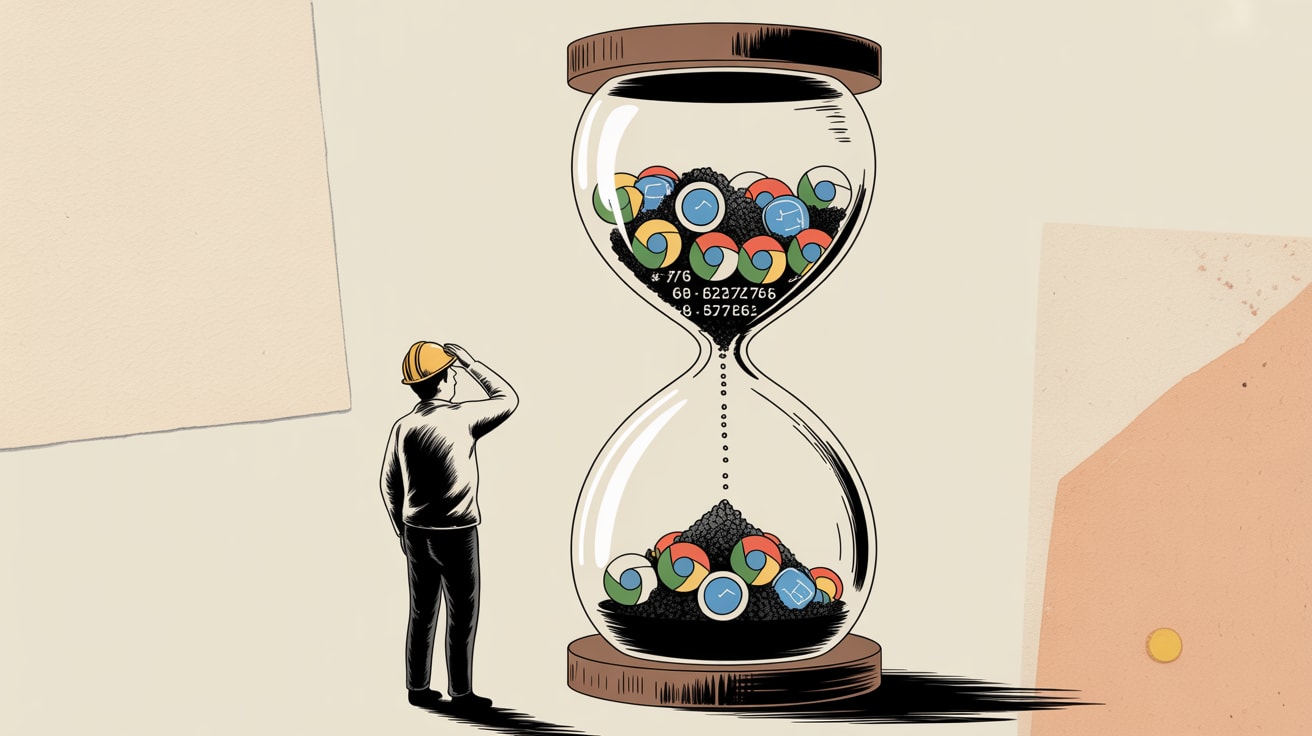
Safari TP 249 quietly shifts the privacy frontier again. Here's what it means for tracking, AI-assisted design, and signal integrity in Southeast Asia.
Apple’s Safari Technology Preview 249 dropped this week. Most analytics teams won’t look at it until the stable release. That’s exactly the problem.
Safari TP 249 Is a 90-Day Warning, Not a Changelog
Safari Technology Preview releases are the spec, not the summary — stable WebKit changes typically follow within two to three release cycles. That gives teams roughly 90 days to audit, adapt, and avoid the scramble. TP 249, published July 29, includes continued refinements to WebKit’s JavaScript engine, CSS handling, and — critically — the privacy-adjacent Web API surface that Apple has been systematically tightening since the Mail Privacy Protection rollout in 2021.
For Southeast Asian markets, the stakes are disproportionate. Safari’s share on iOS in markets like Thailand, Vietnam, and the Philippines is substantial, and iOS penetration among premium, high-LTV consumers skews even higher. If your JavaScript tracking payload relies on any combination of client-side fingerprinting signals — screen resolution, font enumeration, canvas fingerprinting, battery API calls — you should be running a weekly diff against the WebKit bug tracker, not waiting for your CDP vendor to send a release note.
The audit question isn’t “what broke?” It’s “what is TP 249 deprecating quietly before it breaks in stable?”
What AI-Assisted Design Is Doing to Your Measurement Assumptions
Andy Budd’s piece in Smashing Magazine this week frames the AI design moment cleanly: designers either gain autonomy or get exposed by it. The bull case is faster iteration and fewer gatekeepers. The bear case is that autonomy surfaces the gaps that process and collaboration used to paper over.
From a tracking and signal integrity perspective, there’s a third consequence nobody is discussing enough: AI-assisted design is accelerating UI variation at a rate that measurement infrastructure wasn’t built for. When a single designer can ship five component variants in the time it previously took to brief a developer, A/B testing governance collapses. You end up with organic UI drift — subtle changes to button placement, CTA copy, form field order — that no experiment flag is tracking, but that your conversion funnel absolutely feels.
The MERSI website case from Codrops this week is a useful illustration of the opposite discipline. FLOT NOIR’s Webflow build for MERSI was deliberately restrained — precise motion, editorial pacing, no gratuitous interaction. That kind of intentionality is harder to maintain when AI tools make “just try this variant” frictionless. Frictionless iteration without measurement hygiene is how you end up with a beautiful site and a broken attribution model.
The JavaScript Payload You Should Be Auditing Right Now
Here’s a practical checklist for teams running first-party analytics stacks or hybrid setups with third-party pixels layered on top:
1. Enumerate every script tag and its origin. Run a HAR file capture in both Chrome and Safari (stable and TP if possible) and compare the network waterfall. Discrepancies between browsers in what fires — and when — tell you where your client-side dependency on deprecated APIs is hiding.
2. Check your fingerprinting surface area. Any script calling navigator.userAgent beyond basic browser detection, window.screen.colorDepth, or OffscreenCanvas should be flagged. WebKit’s Intelligent Tracking Prevention has historically followed a pattern of restricting these incrementally across TP releases before a hard cut in stable.
3. Audit your consent mode implementation against iOS Safari specifically. Google’s Consent Mode v2 behaves differently when third-party cookies are blocked at the browser level versus blocked by user consent choice. On Safari, the former is the default. Teams that modelled their consent mode signal loss based on Chrome behaviour are likely underestimating degradation on iOS by 15–25%.
4. Map UI changes to measurement events. If AI-assisted design is in your workflow, implement a lightweight change log that ties component-level UI updates to the analytics event taxonomy. Even a shared Notion table with timestamps is better than nothing. Attribution models can’t account for what they don’t know changed.
Southeast Asia Context: Mobile-First Means Safari-First for Premium Users
The US-centric narrative around browser market share doesn’t port cleanly to Southeast Asia. Android dominates total volume, but iOS over-indexes for the consumer segments most brands are optimising toward — higher household income, higher e-commerce spend, more likely to be on Shopee Mall or Lazada Premium than the base marketplace. That’s not an assumption; it’s reflected in iOS premium device sales data across the region.
This matters for how you prioritise WebKit compliance work. If your measurement team is triaging browser-specific tracking issues by volume, Safari might rank third or fourth. If you triage by revenue-weighted session value, it almost certainly ranks first or second. Build your WebKit audit cadence accordingly — and brief your agency and martech vendors to do the same.
The broader pattern here is worth sitting with: Apple ships privacy changes in Safari TP, AI tools make UI iteration faster and less governed, and the net effect is that signal quality degrades from two directions simultaneously — browser-side restrictions and measurement-side neglect. The brands that stay ahead of this aren’t the ones with the most sophisticated analytics stack. They’re the ones reading the spec.
At grzzly, we audit JavaScript tracking payloads, map signal loss across browser environments, and help growth teams in Southeast Asia build measurement infrastructure that survives the next WebKit release — not just the last one. If your analytics setup hasn’t been stress-tested against Safari’s privacy trajectory, that’s a conversation worth having sooner rather than later. Let’s talk
Sources

Written by
Stormy GrizzlyStress-testing email open rates, dissecting Apple's Mail Privacy Protection, and auditing the JavaScript payloads quietly leaking signal. The analyst who reads the spec, not just the summary.