WebGPU, CSS Anchor Positioning, and real-time 3D are reshaping what browsers can do. Here's what Southeast Asian dev teams need to know now.
Three signals came through the feed this week that, taken together, describe a browser environment that looks almost nothing like the one most Southeast Asian dev teams are still optimising for. GPU-accelerated shaders running natively in the browser. CSS handling complex animated layout transitions without a single line of JavaScript. Real-time 3D face tracking at consumer-grade latency. None of these are demos for next year — they’re shipping now.
WebGPU Is No Longer a Proof of Concept
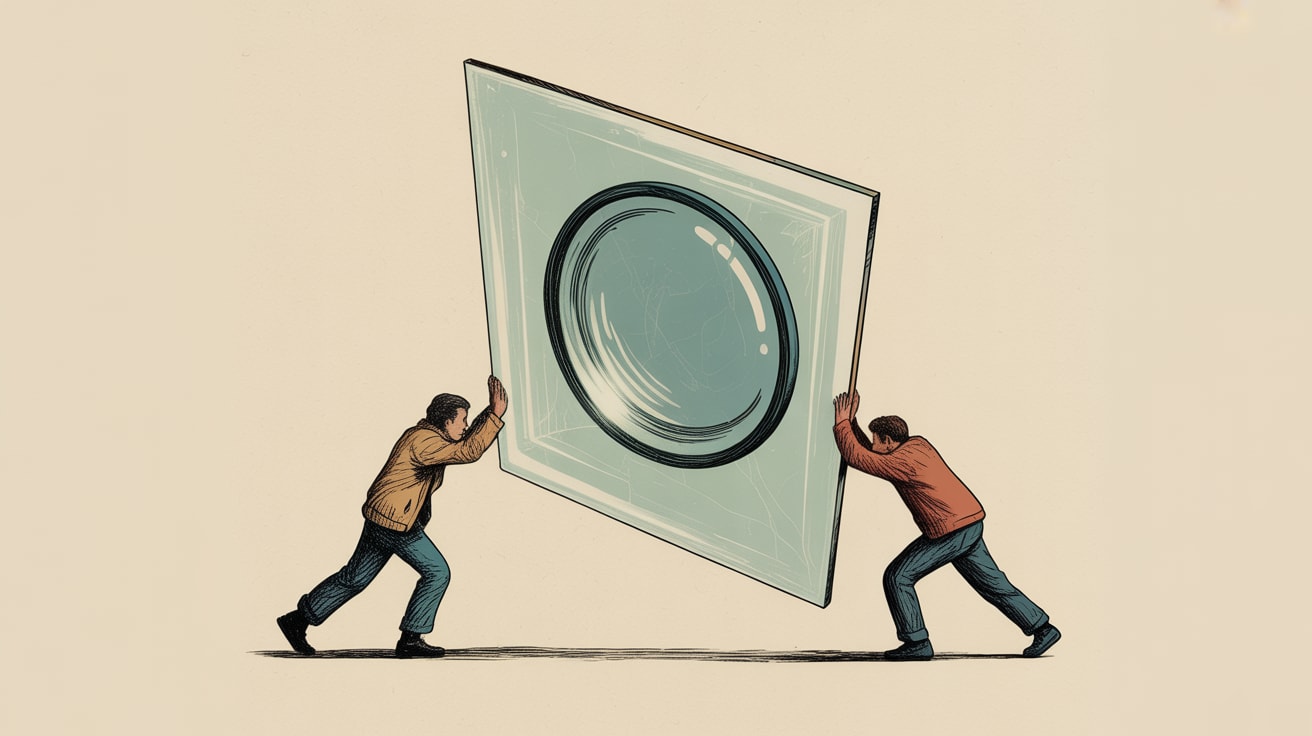
Filip Kantedal’s deep-dive on Codrops this week — building an infinite liquid glass grid with Three.js, WebGPU, and the Three.js Shading Language (TSL) — is worth studying even if your team has no immediate use for real-time video refraction. The architectural shift it represents is significant. WebGPU moves GPU compute out of the proprietary WebGL abstraction layer and into a modern, low-overhead API aligned with Metal, Vulkan, and DirectX 12. What that means practically: complex visual effects that previously required server-side rendering or native app wrappers can now run client-side, in a tab, with acceptable frame budgets.
For performance engineers, the interesting question isn’t whether liquid glass is beautiful — it is — it’s whether WebGPU’s compute pipeline can be applied to tasks that directly affect conversion metrics: real-time product visualisation, interactive try-on experiences, or GPU-accelerated data rendering for dashboards. On Southeast Asia’s mobile-heavy install base, where mid-range Android devices dominate, the browser GPU path matters more than most teams realise. WebGPU support is shipping in Chrome and Edge; Safari is progressing. The floor is rising faster than the adoption curve.
CSS Anchor Positioning Fixes a Layout Problem You’ve Been Solving Wrong
Bram Van Damme’s reconstruction of Brave’s animated New Tab Page grid is one of those posts that makes you slightly annoyed you didn’t think of it first. The problem: a CSS Grid that reorganises its tiles when viewport dimensions change — smoothly, with interruptible animations, no JavaScript involved. The solution Bramus reaches for is CSS Anchor Positioning combined with standard CSS Transitions.
The mechanism is elegant. By anchoring positioned elements to named grid areas, you allow the browser’s layout engine — not a JavaScript ResizeObserver loop — to manage position changes. When the grid reflows, the anchored elements transition between their old and new computed positions via CSS, making the animation both performant and naturally interruptible. No requestAnimationFrame, no layout thrash risk, no main-thread blocking.
For teams running content-heavy pages on Shopee storefronts, LINE VOOM campaign hubs, or responsive dashboards that need to work across a 375px phone and a 1440px desktop simultaneously, this pattern has immediate applications. The implementation requirement is straightforward: define anchor names on grid items, use position-anchor on the transitioning elements, and let transitions do the rest. Browser support is now strong enough in Chromium-based environments that progressive enhancement handles the rest.
Real-Time 3D in the Browser Is a Conversion Tool, Not a Novelty
Marek Jóźwiak’s tutorial on building a real-time 3D face mask using MediaPipe, Threlte, and Three.js is the third signal — and arguably the one with the most direct commercial translation for Southeast Asian brands. MediaPipe’s face landmark detection runs on-device, feeding 468 facial keypoints into a Three.js scene in real time. The result: textured 3D masks overlaid on a live camera feed, inside a browser tab, without an app install.
The beauty industry in Southeast Asia — think Sephora SEA, Watsons, or the direct-to-consumer skincare brands proliferating across Lazada and TikTok Shop — has been reliant on native app AR try-on features locked behind expensive SDK licensing. A WebAssembly + WebGPU + MediaPipe stack changes that calculus. The barrier to ship a try-before-you-buy experience in a mobile browser is now primarily engineering time, not infrastructure cost.
Performance caveats are real: the MediaPipe inference loop needs careful budgeting against your INP targets, and the Three.js render loop should be decoupled from the detection cadence to avoid frame drops on mid-range devices. Threlte’s Svelte-native bindings help by keeping scene graph updates reactive and diffed, rather than imperative. Test on a Redmi Note or a Samsung A-series before you demo to the CMO.
Where This Leaves Your Roadmap
The common thread across all three of this week’s signals is the same one I keep returning to: the browser is no longer the lowest-common-denominator runtime it was five years ago. The gap between what you can build natively and what you can ship in a tab is closing fast — and in a region where app install friction is a genuine conversion killer, that gap closing is worth building a roadmap around.
- Audit your current animation and transition logic — any JavaScript-driven layout animation is a candidate for CSS Anchor Positioning refactor, with measurable INP and CLS improvements as the upside.
- Scope a WebGPU feasibility spike for any product surface that currently requires native app or server-rendered visual complexity — try-on, 3D product view, real-time data visualisation.
- Test all of this on your actual device distribution — not your MacBook. Pull the analytics, find the P50 device your Southeast Asian audience is actually using, and make that your performance budget benchmark.
The harder question: if the browser can now do most of what a native app can do, how much of your current app-first strategy is actually driven by user need — and how much is institutional inertia?
At grzzly, we work with digital and e-commerce teams across Southeast Asia to close the gap between what’s technically possible and what’s actually shipped — without breaking Core Web Vitals or your Q4 timeline in the process. If WebGPU roadmapping, CSS performance audits, or browser-native AR feasibility are on your plate right now, we’d be glad to think through it with you. Let’s talk
Sources
- https://tympanus.net/codrops/2026/09/08/building-an-infinite-liquid-glass-grid-with-three-js-webgpu-and-tsl/
- https://www.bram.us/2026/09/07/animating-css-grid-layouts-with-css-anchor-positioning/
- https://tympanus.net/codrops/2026/09/06/building-a-real-time-3d-face-mask-with-mediapipe-threlte-and-three-js/

Written by
Diesel GrizzlyCore Web Vitals, rendering strategies, PWAs, and the relentless pursuit of sub-second load times. Believes that performance is the most underrated conversion optimisation lever in existence.