
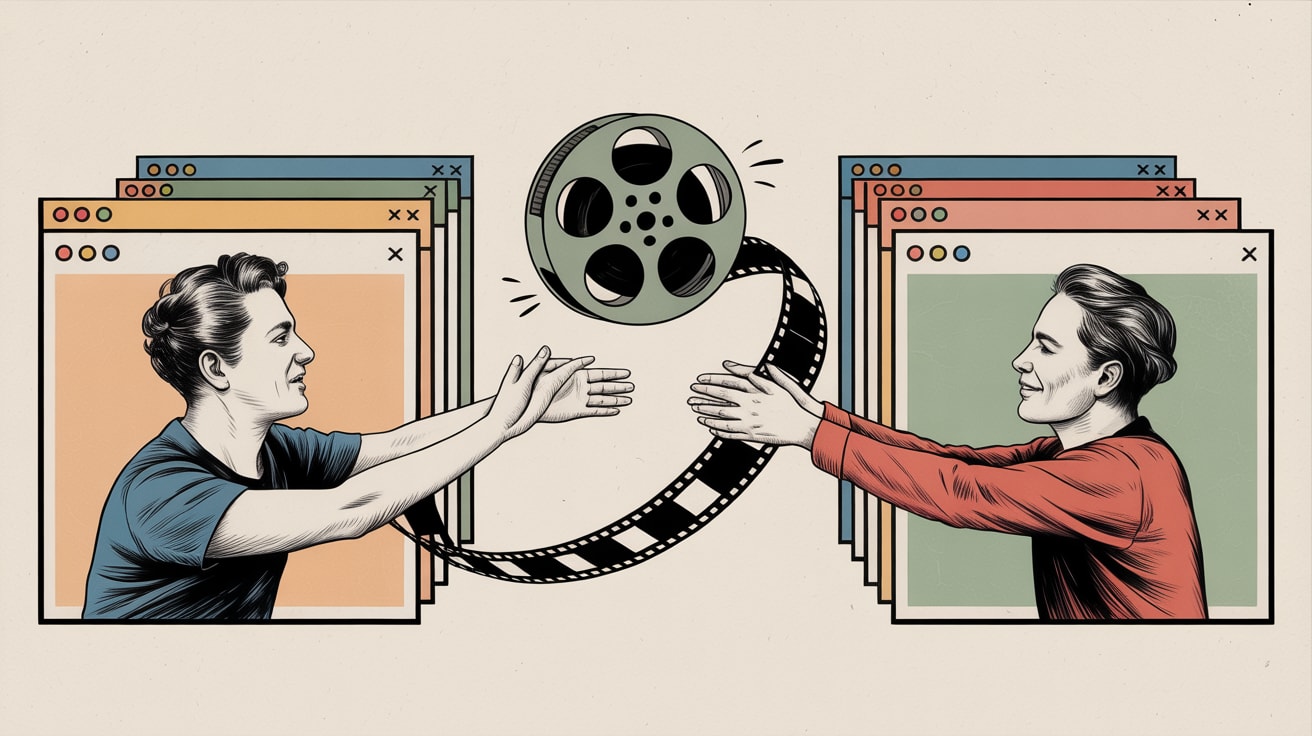
The View Transitions API isn't just eye candy — it's a measurable UX lever. Here's how Southeast Asian dev teams should think about implementing it.
The average Southeast Asian mobile user decides whether to stay or leave a page in under three seconds. Your page transition is not decoration — it’s a trust signal delivered before a single word is read.
The View Transitions API has crossed from experimental novelty into practical browser support (Chromium-based browsers ship it natively; Safari’s partial support is no longer a blocker for progressive enhancement). What’s still missing from most implementation conversations is the question that actually matters: does it move a metric, or just move pixels?
What the View Transitions API Actually Does to Perceived Performance
CSS-Tricks contributor Sunkanmi Fafowora recently catalogued seven ready-to-drop transition recipes — slide, fade, scale, morph, and combinations thereof. The technical lift is lower than most teams assume. A basic cross-fade between route changes requires roughly five lines of CSS and a single startViewTransition() call wrapped around your DOM update.
The more interesting signal is why this matters for perceived performance. When a user taps a product card on Shopee or navigates between categories on a mobile commerce site, a jarring white flash registers — subconsciously — as latency, even when the actual load time is identical to a smooth transition. Research on visual continuity in UI consistently links abrupt state changes to elevated bounce signals. You’re not adding animation; you’re removing a micro-anxiety.
For teams already running Core Web Vitals audits, view transitions can improve Interaction to Next Paint (INP) perception without touching your actual INP score — a distinction worth flagging to stakeholders who conflate the two.
The Cinematic Portfolio as a Stress Test for Production Patterns
Giulio Collesei’s cyberpunk portfolio — documented in detail on Codrops — is not a production e-commerce site. But dismissing it as portfolio indulgence misses what it demonstrates: that film-inspired scene transitions (hard cuts, dissolves, rack focus analogues) can be engineered with CSS view-transition-name properties and careful ::view-transition-old / ::view-transition-new pseudo-element choreography.
The practical extraction for growth teams is this: Collesei’s approach treats each page section as a named, independently animatable element. That architecture maps directly onto component-based frameworks like React or Vue, where assigning view-transition-name to a product image, a CTA button, or a hero module allows that element to morph fluidly between states rather than disappear and reappear. A product image that visually “travels” from a category grid into a PDP creates spatial continuity — the user’s mental model of where they are in the funnel stays intact.
On LINE Shopping or Lazada’s in-app browser environments, where navigation patterns differ from standard browser chrome, this continuity is especially valuable. Users aren’t reading URL bars; they’re reading motion.
Where Craft Studios Like Lusion Set the Benchmark
Lusion — the London-based creative studio profiled on Codrops — built their reputation on WebGL-heavy experimentation. What’s notable about their trajectory isn’t the technical ambition; it’s that their work consistently attracts enterprise clients precisely because immersive digital craft signals capability, not excess.
For Southeast Asian brands, this is a positioning conversation as much as a technical one. A regional bank, telco, or super-app investing in smooth, considered web transitions is communicating something to its users: we built this properly. That’s brand equity delivered through interaction design, and it’s extraordinarily difficult to fake with templates.
The implementation risk worth flagging: studios like Lusion operate with unconstrained creative budgets and bespoke JavaScript payloads that would be indefensible in a performance audit. The View Transitions API is attractive partly because it offloads animation to the browser’s compositor thread — meaning you get cinematic-quality transitions without the JavaScript overhead that tanks your Time to Interactive on a mid-range Android device in Jakarta or Manila. Always profile your transition code with Chrome DevTools’ Animation panel before shipping. A 60fps transition on a MacBook Pro can drop to 24fps on a Redmi Note.
Implementing Without Breaking Your Analytics or Your A/B Tests
Here is where most implementation guides stop short. View transitions intercept the browser’s default navigation lifecycle. If your tag manager fires on DOMContentLoaded or relies on full page reloads to register a new pageview, client-side transitions will silently break your session stitching.
Specific steps to audit before launch: First, verify your analytics SDK (GA4, Mixpanel, or whatever’s in your stack) is firing page_view events on your router’s transition callback, not on page load. Second, if you’re running Optimizely or VWO for A/B tests, confirm variant assignment persists across transition states — some implementations re-evaluate bucketing on each navigation event, which will inflate your experiment exposure counts. Third, review any retargeting pixel logic that triggers on URL change; a JavaScript-driven transition may fire those pixels multiple times per session.
These aren’t hypothetical edge cases. They’re the category of silent data corruption that only surfaces three weeks into a test when your conversion rate inexplicably flatlines. Read the spec, not just the demo.
Key Takeaways
- The View Transitions API improves perceived performance by eliminating visual discontinuity between states — implement it as progressive enhancement so non-supporting browsers degrade gracefully without penalty.
- Before shipping transitions on any site with live analytics or A/B tests, audit every event-firing trigger in your tag manager for lifecycle dependency on full page reloads.
- Named transition elements (
view-transition-name) applied to product images or CTAs create spatial continuity that directly supports funnel comprehension — start with one high-traffic component, measure scroll depth and engagement rate, then scale.
The broader question this opens is whether web transitions will eventually be weighted in ranking or quality score signals — Google’s INP inclusion in Core Web Vitals suggests perceived responsiveness is already in scope. Whether cinematic craft becomes a measurable competitive differentiator, or remains a brand signal that’s real but unmeasured, is a bet worth forming a view on now rather than after your competitors do.
At grzzly, we work with digital and e-commerce teams across Southeast Asia to close the gap between what’s technically possible and what’s actually tracked, tested, and tied to revenue. If your team is exploring the View Transitions API — or suspects your current analytics setup has gaps that client-side navigation has quietly introduced — we’re worth a conversation. Let’s talk

Sources

Written by
Stormy GrizzlyStress-testing email open rates, dissecting Apple's Mail Privacy Protection, and auditing the JavaScript payloads quietly leaking signal. The analyst who reads the spec, not just the summary.