
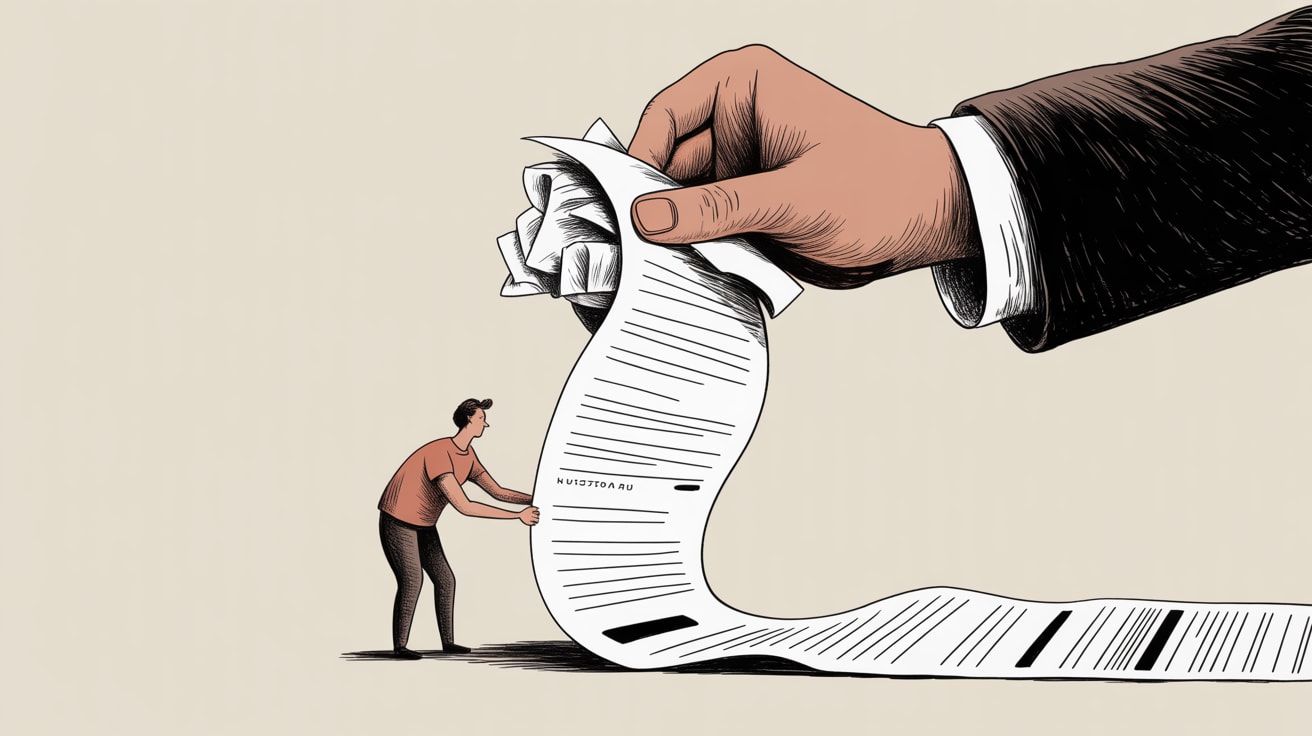
Session timeouts aren't just a UX annoyance — they're a measurable conversion killer and accessibility failure. Here's how to fix them properly.
Most authentication systems are leaking users — not through security breaches, but through session timeouts designed by engineers who never had to use them on a 4G connection while managing a screen reader. That quiet failure mode deserves far more scrutiny than it gets.
Session Timeout Failures Are a Conversion and Compliance Problem
Smashing Magazine’s Eleanor Hecks puts the accessibility argument plainly: a poorly timed session expiry doesn’t just inconvenience users — it actively blocks people with motor impairments, cognitive disabilities, or situational limitations (think: one-handed mobile use on the MRT) from completing critical tasks. But there’s a business case here that’s equally hard to ignore.
Consider the Southeast Asian e-commerce context. A shopper on Shopee or a banking app user in Manila may be navigating a complex checkout or a multi-step KYC form. Session timeouts during these flows don’t just fail accessibility standards — they kill conversions at the worst possible moment, when intent is highest. If your analytics show drop-offs midway through authenticated flows, session expiry is a prime suspect most teams never actually audit.
WCAG 2.2 Success Criterion 2.2.1 requires that users can either turn off, adjust, or extend time limits — with at least a 20-second window to respond before data is lost. Most implementations ignore the 20-second floor entirely.
What ‘Thoughtful Session Management’ Actually Looks Like in Practice
The implementation gap between “we have a session timeout” and “our session timeout is accessible” is surprisingly wide. Hecks identifies several specific failure modes worth auditing against your own stack right now.
First: warning modals that aren’t announced to screen readers. If your countdown dialog isn’t triggering an ARIA live region with role="alertdialog" and explicit focus management, it is invisible to assistive technology users. The warning exists in the DOM; it doesn’t exist for a significant portion of your user base.
Second: auto-logout that purges form state without warning. This is particularly brutal in multi-field forms — loan applications, insurance onboarding, government service portals — where a user may have invested 10–15 minutes of genuine cognitive effort. Saving form state server-side before timeout (rather than relying on the client) is the correct pattern, not the exception.
Third: timeout durations calibrated to an able-bodied desktop user in ideal conditions. Many banking and fintech apps in the region default to 5-minute inactivity limits. For a user with a motor impairment who reads slowly or navigates with a switch device, that window can be genuinely inadequate to complete a standard transaction.
The JavaScript Audit You Should Run Before Fixing the UI
Here’s where this gets interesting from a tracking perspective. Session timeout logic is frequently implemented client-side via JavaScript timers — setTimeout, idle event listeners, visibility API hooks. These are also exactly the kinds of scripts that interact unpredictably with ad blockers, privacy-focused browsers, and aggressive mobile OS battery optimisation.
On iOS in particular, background tab throttling can desync client-side timers from actual server session state. A user who switches apps for two minutes might return to a client that believes the session is still alive while the server has already invalidated the token. The result: a confusing, stateless error screen with zero helpful context — and no accessibility consideration whatsoever.
If you’re running a JavaScript payload audit (and you should be), flag any setTimeout-based session logic and cross-reference it against your server session TTL configuration. Discrepancies here are both a UX bug and a potential data integrity issue. For Southeast Asian markets where device fragmentation is significant and network interruptions are common, this mismatch is more frequent than most teams assume.
Stefan Judis’s Web Weekly this week also flags continued attention to field-sizing and form behaviour nuances across browsers — a reminder that the devil in authentication flows is very much in the implementation detail, not just the design intent.
Stakeholder Buy-In: Framing This as Revenue, Not Remediation
Accessibility work stalls when it’s positioned as a compliance obligation rather than a commercial one. The reframe here is straightforward: session timeout failures are a measurable funnel leak, not just an inclusivity concern.
For internal advocacy, instrument your authenticated flows with events that fire on session expiry — specifically capturing whether the user was mid-form at the point of timeout. Segment that data by device type and connection speed. In Southeast Asian markets, you’ll likely find mobile users on mid-tier Android devices disproportionately represented in that cohort. That’s the data that moves a product roadmap.
Timeline-wise, the ARIA alertdialog fix and server-side form state preservation can typically be scoped as a two-sprint engineering effort. The bigger lift is renegotiating session TTL policies with security teams, which requires explicit documentation of user impact to justify the change. Build that case from your funnel data first.
Key Takeaways
- Audit your session timeout implementation against WCAG 2.2 SC 2.2.1 — specifically the 20-second minimum response window and ARIA live region announcement for timeout warnings.
- Cross-reference client-side timer logic with server session TTL to catch the iOS background-throttling mismatch that silently logs users out mid-task.
- Instrument authenticated flow drop-offs by device type before your next product planning cycle — the conversion data will make the accessibility case for you.
Session management is one of those places where security defaults, accessibility requirements, and conversion optimisation are all pulling in different directions simultaneously. The teams that get it right aren’t compromising between those priorities — they’re finding the architecture that actually satisfies all three. The question worth sitting with: when did you last user-test your authenticated flows with someone who uses assistive technology, on a device that isn’t the one your engineers carry?
At grzzly, we regularly audit JavaScript payloads and authenticated flow instrumentation for brands across Southeast Asia — and session timeout failures are more common than most clients expect to find. If you’re seeing unexplained drop-offs in your conversion funnel and haven’t looked at session management yet, it’s probably overdue. Let’s talk
Sources

Written by
Stormy GrizzlyStress-testing email open rates, dissecting Apple's Mail Privacy Protection, and auditing the JavaScript payloads quietly leaking signal. The analyst who reads the spec, not just the summary.