
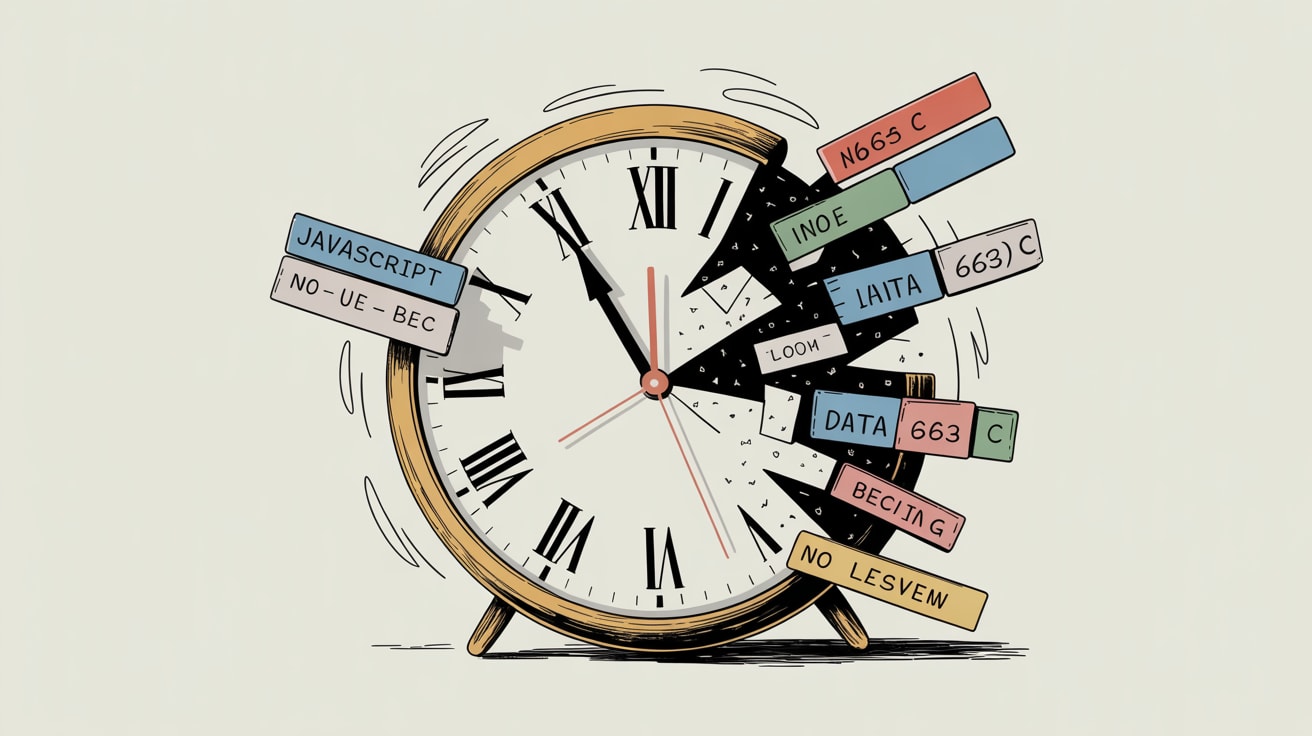
The Temporal API finally fixes JavaScript's broken date handling. Here's what tracking architects and tag management teams need to act on now.
Timestamps are quietly lying to you. If your tracking stack still relies on JavaScript’s native Date object to record session starts, conversion events, or consent timestamps, there’s a non-trivial chance your attribution windows are drifting — especially across the UTC+7 to UTC+9 corridor that covers most of your SEA audience.
The JavaScript Temporal API, a nine-year effort that JavaScript Weekly documented this week, is now at a stage where Chrome and Firefox support is solid, with Safari and Node.js closing the gap. That’s close enough to production-relevant that your tracking architecture conversation should start now, not when it hits 100% availability.
Why Date Was Always a Tracking Liability
The core problem is that JavaScript’s Date object was bolted together in 1995 in ten days and has accumulated decades of timezone handling inconsistencies. For a marketing site in London, that’s annoying. For a tracking implementation spanning Bangkok, Jakarta, and Manila — three different UTC offsets, two of which don’t observe daylight saving — it becomes a genuine attribution integrity problem.
Specific failure modes that tracking teams hit in practice: Date.now() returning UTC milliseconds that get silently misinterpreted by downstream tag logic running in local timezone context; consent timestamps recorded at the browser level being offset from server-side event timestamps by anything from 30 minutes to seven hours; and session expiry calculations that behave differently on iOS Safari versus Chrome Android because of subtle Date parsing divergence.
If you’re running a server-side tagging setup via Google Cloud Run or Stape, and your container is set to UTC while your client-side datalayer pushes local-time strings, you already know what this costs in QA hours.
What Temporal Actually Changes for Tag Management
Temporal introduces unambiguous, explicit timezone handling as a first-class concept. The Temporal.ZonedDateTime type carries timezone identity with the timestamp — it doesn’t silently convert. Temporal.Now.zonedDateTimeISO('Asia/Bangkok') gives you a Bangkok timestamp that stays Bangkok-aware all the way through your data pipeline, not a UTC integer that relies on every downstream system to agree on the conversion.
For consent mode implementations specifically, this matters. Under PDPA in Thailand and Indonesia’s PDP Law, consent timestamps need to be auditable and timezone-accurate. A consent record that shows 23:47 UTC when the user was clearly transacting at 06:47 WIB creates compliance surface area you don’t want. Temporal eliminates that class of error at the source.
Practical implementation path: start by auditing every new Date() and Date.now() call in your custom HTML tags and data layer utilities. Flag any that feed into event timestamps, session calculations, or consent records. Those are your migration priority queue — not your UI date formatting, which can wait.
The Polyfill Question and When to Ship
The @js-temporal/polyfill package maintained by the TC39 champions is production-stable and passes the full test suite. At around 40KB minified, it’s not trivial — but if you’re already loading GTM plus a tag container plus a consent management platform, you’re not optimising for a 40KB world anyway.
The pragmatic call for most tracking teams in SEA: implement Temporal in your server-side tagging environment first, where you control the Node.js version and can enable the native API without a polyfill penalty. Use it to normalise all inbound client-side timestamps at the container boundary. That way, even if your client-side code still uses Date for another two quarters, the canonical event record in your warehouse is clean.
For teams running Vite-based build pipelines — and JavaScript Weekly’s coverage of Vite’s continued performance improvements this cycle is worth noting for those maintaining custom tracking utilities — tree-shaking the polyfill to only the Temporal classes you actually use is straightforward. You don’t need the full surface area; ZonedDateTime, Instant, and Duration cover 90% of tracking use cases.
The Engineering–Marketing Negotiation Nobody Wants to Have
Here’s the part that doesn’t appear in the spec docs. Getting Temporal adopted in a shared tracking codebase requires convincing at least three parties: the engineering team that owns the site build (who have opinions about adding dependencies), the analytics team that owns the data layer schema (who have opinions about changing timestamp formats), and the legal/compliance team that owns consent records (who have opinions about everything).
The argument that lands fastest with engineering: Temporal is native-bound, meaning the polyfill is temporary by design and has a clear deprecation path once Node LTS catches up. You’re not adding a permanent dependency — you’re writing forward-compatible code that stops needing the polyfill automatically.
The argument that lands with compliance: ISO 8601 with explicit timezone offset is the format that holds up in an audit. 2026-03-19T06:36:23+07:00 is unambiguous. A Unix millisecond timestamp with an implicit timezone assumption is not.
Document both arguments in your tracking spec before the kickoff call. It saves a meeting.
Grzzly helps brands across SEA build tracking architectures that stay accurate across timezone boundaries, consent regimes, and platform ecosystems — from data layer schema design to server-side container QA. If your attribution data has been quietly drifting and you’d like a second set of eyes on the stack, we’re easy to find. Let’s talk at grzz.ly.

Sources

Written by
Cryptic GrizzlyFluent in server-side tagging, consent-mode logic, and the intricate diplomacy of getting marketing and engineering to agree on a data layer. Nothing ships without a QA plan.