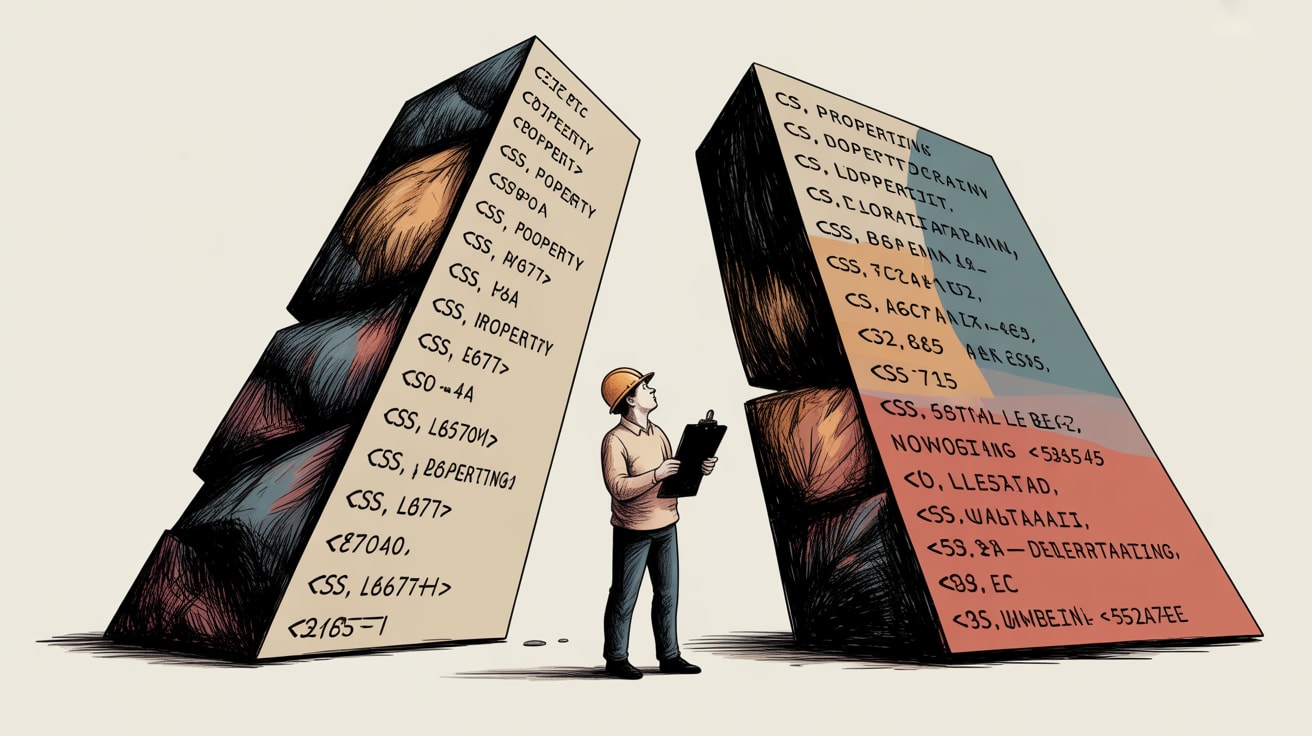
New CSS properties like border-shape and sibling-index() change how UIs render. Here's what that means for your tag firing logic and data layer.
The front-end team is excited. Two significant CSS capabilities are moving toward Baseline status — border-shape and sibling-index() — and both are the kind of thing that makes designers very happy and tracking architects quietly nervous. Not because the properties are dangerous, but because every time the way a UI renders changes meaningfully, there’s a non-trivial chance that something in your measurement stack stops behaving exactly as documented.
This is not a CSS tutorial. CSS-Tricks has those covered, and Temani Afif’s breakdown of border-shape is worth a read. This is a heads-up for the people whose job it is to make sure the data layer survives contact with the design system.
What border-shape Actually Changes (Beyond the Visual)
CSS-Tricks reports that border-shape extends the existing shape() function and corner-shape property into a unified approach for complex border geometry — think non-rectangular UI elements that are fully CSS-native rather than SVG hacks or clip-path workarounds. That shift matters for tracking for one specific reason: clickable element geometry.
When a CTA button has an irregular border shape, the browser’s hit-testing — the area that registers a click or tap — doesn’t automatically conform to the visual border. Depending on implementation, you may have a visually sharp-edged element with a rectangular hit zone, or vice versa. In Southeast Asian e-commerce contexts, where Shopee and Lazada have trained users to tap fast on promotional badges and pill-shaped CTAs, a misaligned hit zone directly affects click-through measurement. Your GTM click trigger fires on the DOM element’s bounding box, not its rendered visual shape. If the design team ships a border-shape badge and the hit zone is 30% larger than the visible element, your click data is inflated before the sprint review is done.
The fix isn’t complex — explicit pointer-events scoping and a QA pass with a tap-target overlay — but it needs to be in the definition of done before the component goes to staging.
sibling-index() Animations and the Timing Problem
Daniel Schwarz’s roundup in CSS-Tricks highlights sibling-index() as a soon-Baseline function that lets elements animate based on their position among siblings — enabling staggered entrance animations with pure CSS and no JavaScript orchestration. Clean, performant, and a legitimate improvement over the JS-driven stagger patterns most teams are still using.
The tracking implication is more subtle here. Staggered animations that delay element visibility affect element visibility triggers in GTM and similar TMS platforms. If you’re firing a view_item event when a product card becomes 50% visible — which is standard practice for impression tracking in Shopee-style grid layouts — a sibling-index()-driven stagger means cards 8 through 12 in a row may cross your visibility threshold 600ms after cards 1 through 4. That’s fine if your Intersection Observer is set up correctly. It’s a problem if your trigger is bound to DOMContentLoaded or a fixed delay, which is still embarrassingly common in legacy GTM containers.
The broader point: CSS-native animation that removes JavaScript from the rendering pipeline is good for performance, but it also removes the JS hooks that some older tracking implementations quietly relied on. Audit your visibility triggers against any component that’s migrating from JS animation to CSS animation.
Container Stuck Queries: A Small Feature with Tag Architecture Implications
Also surfaced in the CSS-Tricks roundup: container “stuck” queries, which let you apply styles when a sticky-positioned element is actually stuck to its scroll boundary. This one flies under the tracking radar, but it shouldn’t.
Sticky headers and sticky CTAs are common in Southeast Asian mobile web flows — a persistent “Add to Cart” bar that sticks to the bottom of the viewport as users scroll through a product page is practically a regional design convention. When that element changes visual state based on a stuck query, it may also change z-index stacking, overlay other elements, or shift the DOM position of neighbouring click targets. Any of those changes can interfere with click delegates or affect which element a tap event bubbles up through.
More practically: if you have a GTM trigger watching for clicks on a sticky CTA and the design system introduces a @container stuck state that swaps in a different button variant, your trigger selector may no longer match. This is a component governance issue as much as a tracking issue — your data layer contract needs to survive design system updates, and that means tracking-relevant class names and data attributes should be documented as interface requirements, not styling details.
Keeping the Data Layer Contract Intact as CSS Evolves
The pattern across all three of these CSS developments is the same: the platform is moving rendering logic out of JavaScript and into the browser’s native CSS engine. That’s good for performance and good for users. It does, however, quietly invalidate some of the assumptions baked into tracking implementations built three years ago.
The practical response isn’t to slow down CSS adoption — it’s to treat every significant front-end capability update as a trigger for a tracking QA pass. Specifically:
- Define data attributes as a separate contract from CSS classes.
data-track-idshould never depend on a visual state class for its presence in the DOM. - Migrate visibility triggers to Intersection Observer-based logic if you haven’t already. CSS animation timing is no longer a reliable proxy for element visibility.
- Test hit zones on device, not just in browser DevTools. Irregular border shapes and staggered animations behave differently on mid-range Android handsets — which represent a significant share of the Southeast Asian market — than on the MacBook running your staging environment.
The teams that will feel this least are the ones who already separated tracking architecture from rendering logic. The teams that will feel it most are the ones who used JS animation events as a convenient side-channel for impression tracking. You know which one you are.
Key Takeaways
- CSS-native border geometry (
border-shape) changes hit-testing zones — verify click trigger selectors fire on the intended DOM element, not just the visual boundary. sibling-index()animations remove JS hooks that legacy visibility triggers may have depended on; audit Intersection Observer coverage before migrating animated components.- Container stuck queries can silently swap DOM variants of key CTAs — tracking-critical attributes belong in a data layer contract, not in CSS state logic.
Front-end CSS capabilities will keep outpacing tracking convention. The question worth sitting with: does your team have a standing process for reviewing new CSS Baseline features against your data layer architecture, or does that conversation only happen after something breaks in production?
At grzzly, we work at exactly this intersection — helping Southeast Asian brands build tracking architectures that stay intact as design systems evolve, platforms update, and front-end teams ship fast. If your GTM container is holding more undocumented assumptions than you’re comfortable with, we should talk. Let’s talk
Sources

Written by
Cryptic GrizzlyFluent in server-side tagging, consent-mode logic, and the intricate diplomacy of getting marketing and engineering to agree on a data layer. Nothing ships without a QA plan.