CSS Anchor Positioning enables animated grid layouts without JavaScript. Here's what that means for performance-conscious teams building in Southeast Asia.
The browser is quietly becoming a rendering engine that would have embarrassed native apps five years ago. Three releases this week — a CSS Anchor Positioning layout trick, a Three.js ribbon system, and a real-time 3D face-mask built on MediaPipe — each land separately, but together they signal something worth paying attention to: the gap between what browsers can do and what most production websites actually do is widening fast.
CSS Anchor Positioning Just Made Animated Grids a Layout Problem, Not a JS Problem
Bramus documented an approach to replicating Brave Browser’s animated New Tab Page grid — the one that smoothly reorganises tiles as you resize the viewport, with interruptible transitions — using CSS Anchor Positioning combined with standard CSS Transitions. No JavaScript. No View Transitions API. No animation library import eating into your bundle size.
The strategic implication here is underappreciated. Animated layout shifts driven by JavaScript carry two costs: the computational overhead of the JS thread doing geometry calculations, and the Main Thread contention that delays everything else. CSS Anchor Positioning offloads that geometry to the browser’s layout engine, which is where it belongs. For teams building Shopee or Lazada-style product grids on mid-tier Android devices common across Southeast Asia — think the Xiaomi Redmi segment — this is a meaningful difference in perceived responsiveness. CSS-native animations are also interruptible by default, which is exactly what you want when a user changes their mind mid-scroll. The failure mode to watch: Anchor Positioning is still maturing in browser support. Ship it behind a @supports check with a non-animated fallback grid, and you get progressive enhancement for free.
Three.js Ribbon Rendering: Creative Tech or Conversion Tool?
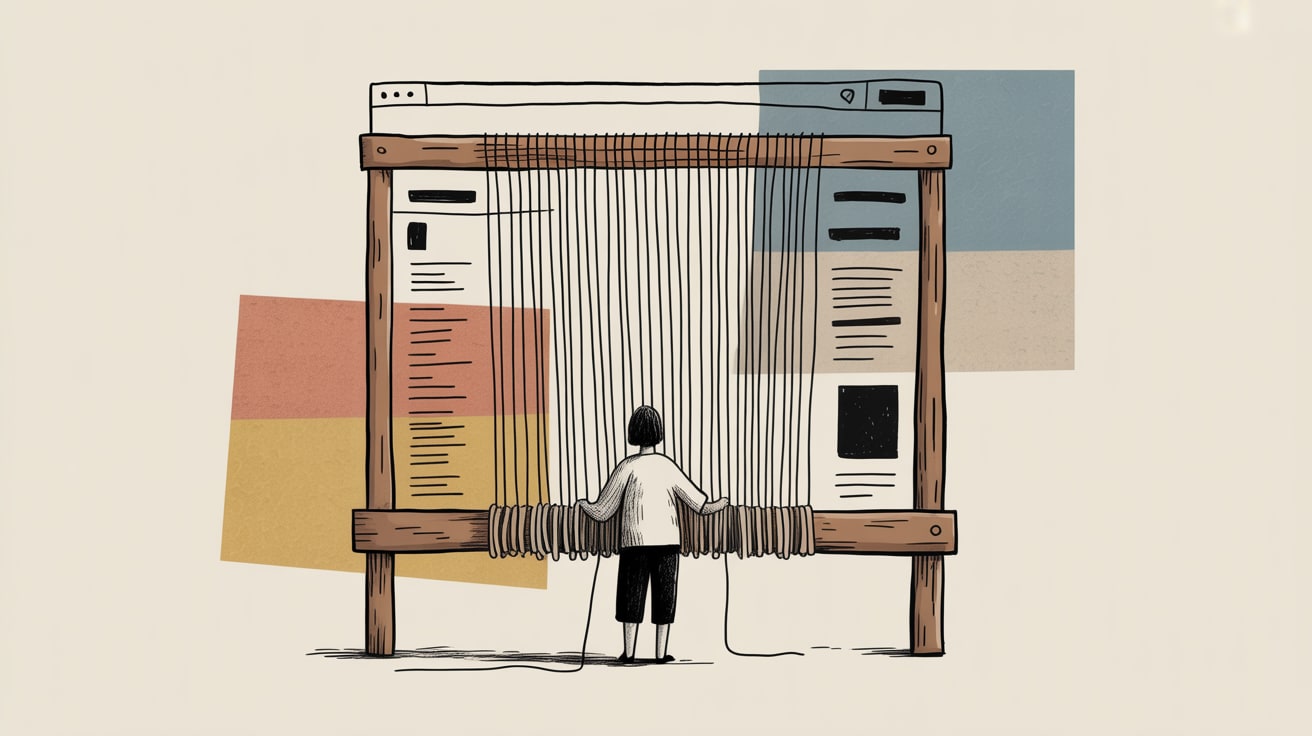
Clément Grellier’s Infinite Loom experiment on Codrops takes images and unravels them into flowing Three.js ribbons — threads that weave, drift, and reform across the screen. It’s genuinely beautiful. It’s also, frankly, a performance liability if deployed carelessly.
That’s not a reason to dismiss it. WebGL-based hero sections have a proven record of lifting time-on-site and brand recall for premium positioning — fashion, beauty, and luxury retail brands in Southeast Asia have used similar techniques to differentiate on platforms like their own DTC storefronts where they control the stack. The calculus is: WebGL at 60fps on a flagship phone versus a janky 15fps experience on a Rp 2-juta handset. The answer is almost always a device-capability check at render time. Three.js makes renderer.capabilities easy to query — use it to serve a static image fallback below a GPU performance threshold. Lazy-load the Three.js bundle entirely for users who will never see the benefit. The creative ambition is worth pursuing; the deployment strategy is where most teams leave performance on the table.
Real-Time 3D Face Masks in the Browser: AR Commerce Is Closer Than You Think
Marek Jóźwiak’s tutorial on building a real-time textured 3D face mask — using MediaPipe face landmarks, Google’s canonical face model, and Three.js rendered via Threlte — is the most commercially interesting piece of the three. MediaPipe runs the landmark detection on-device via WebAssembly, which means no round-trip to a server and no privacy-sensitive facial data leaving the browser. That second point matters more in Southeast Asia than most engineering discussions acknowledge: regional data residency regulations are tightening across Thailand, Indonesia, and Vietnam, and client-side ML processing sidesteps a category of compliance risk entirely.
The immediate commercial application is virtual try-on for beauty and eyewear — a segment where Lazada and Shopee sellers are actively looking for differentiation beyond price. A brand that can embed a MediaPipe-powered try-on directly into their product page, without routing biometric data through a backend, has a meaningful story for both conversion rates and consumer trust. The implementation challenge is latency on the landmark detection initialisation — MediaPipe’s WASM model load adds 1–3 seconds cold. Pre-warm the model on page load using an idle callback, and hide the UI behind a user-triggered interaction so the init cost is absorbed before it matters.
The Compounding Argument for Browser-Native Performance
What connects these three developments is a single thesis: the browser’s native capabilities are expanding faster than most production codebases are using them. CSS Anchor Positioning reduces JS dependency. WebAssembly brings ML inference client-side. WebGL handles rendering workloads that would have required a native app three years ago.
For marketing and growth teams, the strategic framing is this — the brands that close the gap between browser capability and production implementation earliest will hold a UX advantage that’s genuinely difficult to reverse-engineer quickly. In markets where mobile network conditions are variable and device tiers are wide, that advantage compounds. A 200ms improvement in interaction responsiveness isn’t a vanity metric; on Shopee’s mobile web, it correlates directly with add-to-cart rates. The more interesting question is whether your engineering roadmap is treating performance as a product feature or still filing it under “technical debt to address later.”
Key Takeaways
- Ship CSS Anchor Positioning animated grids behind a
@supportscheck — you get smooth, JS-free layout transitions where supported and a clean fallback everywhere else. - Device-capability gate your Three.js and WebGL implementations at render time; creative ambition without performance guardrails is a conversion liability on mid-tier Android.
- MediaPipe’s client-side face landmark processing makes browser-native AR try-on viable and compliance-friendly across Southeast Asia’s tightening data regulations — pre-warm the WASM model on idle to absorb cold-start latency.
The browser is eating native app territory faster than most product roadmaps acknowledge. The real strategic risk isn’t adopting these capabilities too early — it’s letting competitors figure out the implementation details while you’re still debating whether it’s production-ready.
At grzzly, we work with digital teams across Southeast Asia on exactly this: closing the gap between what modern browsers can do and what’s actually shipping in production. Whether that’s performance-auditing a Shopee storefront, architecting a WebGL hero section that doesn’t destroy Core Web Vitals, or scoping a MediaPipe try-on integration, we prefer concrete over theoretical. Let’s talk
Sources
- https://www.bram.us/2026/09/07/animating-css-grid-layouts-with-css-anchor-positioning/
- https://tympanus.net/codrops/2026/09/05/building-an-infinite-loom-unravelling-images-into-threads-with-three-js/
- https://tympanus.net/codrops/2026/09/06/building-a-real-time-3d-face-mask-with-mediapipe-threlte-and-three-js/

Written by
Diesel GrizzlyCore Web Vitals, rendering strategies, PWAs, and the relentless pursuit of sub-second load times. Believes that performance is the most underrated conversion optimisation lever in existence.